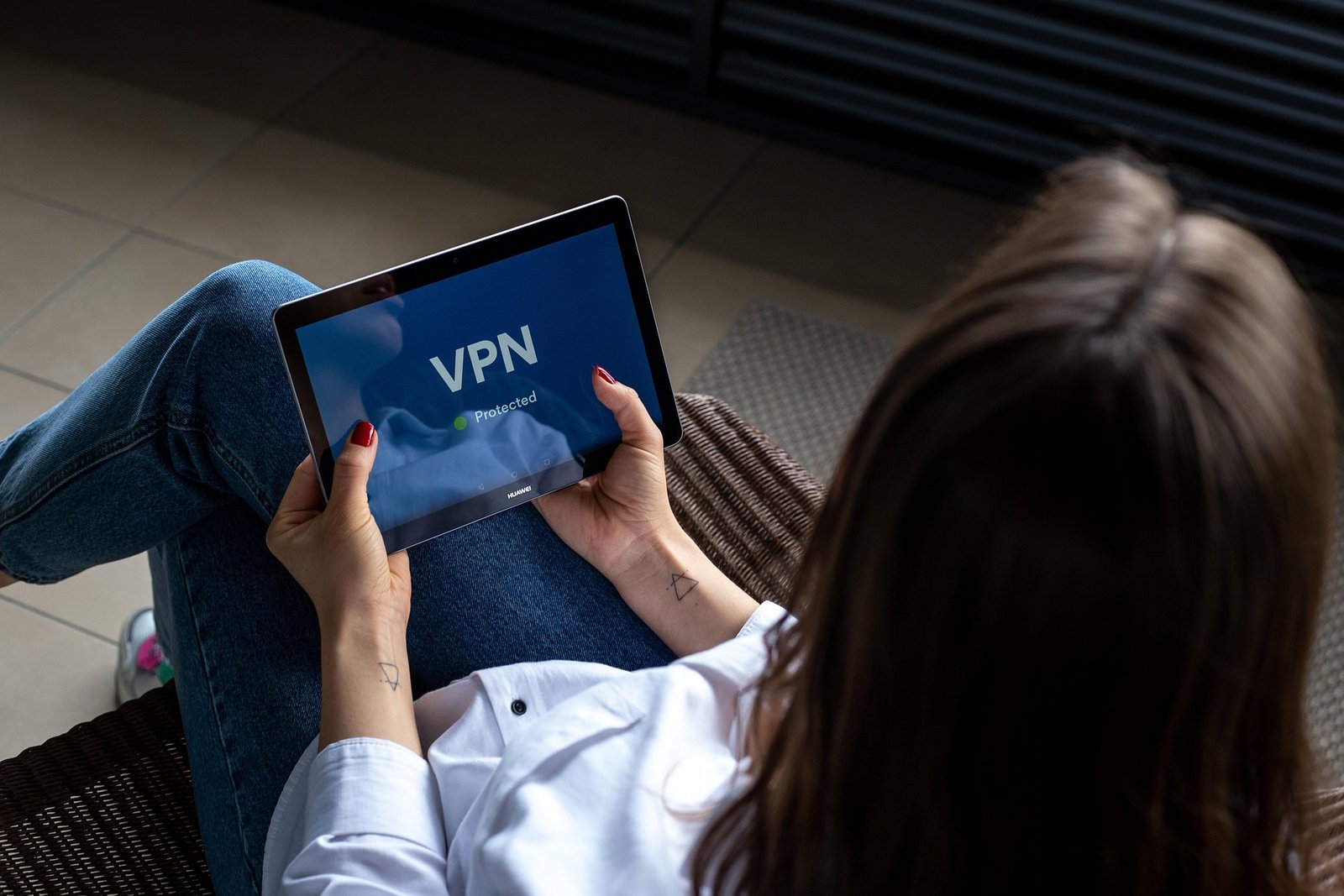
Modern families use the internet on more devices than ever before. A typical household may have multiple smartphones, laptops, tablets, smart TVs, gaming consoles, and other connected devices. While these technologies make everyday life more convenient, they also create additional online privacy and cybersecurity concerns.
A Virtual Private Network (VPN) can help families protect their internet connections, secure sensitive information, and improve privacy when browsing online. However, choosing the right VPN can be challenging because many providers limit the number of devices that can connect simultaneously.
The good news is that several VPN providers now offer subscriptions designed for households with multiple users and devices. Some even provide unlimited simultaneous connections under one account.
In this guide, we compare the best VPN services for multiple devices in 2026, including their connection limits, security features, compatibility, advantages, and potential disadvantages.
Whether you live in the United States, United Kingdom, Canada, or Australia, this comparison will help you find a suitable VPN for your family’s online security needs.
Why Do Families Need a VPN for Multiple Devices?
Most households have several people using the internet simultaneously. Parents may work remotely, children may attend online classes, and other family members may stream movies or browse social media.
Connecting these devices to the internet without additional privacy protection can expose users to certain online risks, especially when using unsecured public Wi-Fi networks.
A family VPN offers several potential benefits.
1. Better Online Privacy
A VPN encrypts internet traffic between your device and the VPN server. This helps protect sensitive information from certain forms of interception and monitoring.
It also masks your public IP address from the websites you visit, although it does not provide complete anonymity.
2. Protection on Public Wi-Fi
Family members frequently connect to Wi-Fi networks in airports, hotels, restaurants, and shopping centers.
A trusted VPN can add an extra layer of protection when using these networks, helping reduce the risk of certain network-based attacks.
3. Multiple Device Coverage
Instead of purchasing separate subscriptions for every family member, you can choose a VPN that supports several simultaneous connections.
This can reduce subscription expenses and make account management easier.
4. More Flexible Streaming
A VPN may allow users to connect through servers in different countries. This can be useful while traveling, although streaming platforms may restrict VPN connections and enforce regional licensing rules.
Best VPN Services for Multiple Devices in 2026
Here are five popular VPN providers worth considering for family use.
1. Surfshark – Best VPN for Unlimited Devices
Surfshark is one of the most attractive options for families with numerous internet-connected devices.
Its biggest advantage is unlimited simultaneous VPN connections under one subscription, subject to its acceptable-use terms.
This means family members can use the VPN on smartphones, computers, tablets, and supported televisions without managing a traditional fixed connection allowance.
Key Features:
- Unlimited simultaneous VPN connections.
- WireGuard, OpenVPN, and IKEv2 protocol support.
- AES-256 encryption.
- CleanWeb ad and tracker blocking.
- MultiHop connection options.
- Applications for Windows, macOS, Android, and iOS.
- Support for compatible smart TVs and routers.
Advantages:
- Excellent device flexibility.
- Suitable for larger households.
- Easy-to-use applications.
- Competitive introductory subscription offers.
- Useful privacy features.
Disadvantages:
- Promotional prices may increase at renewal.
- Streaming availability can change.
- Some advanced features require higher subscription tiers.
Best For: Large families that want to connect numerous devices through one VPN subscription.
2. NordVPN – Best Overall Family VPN
NordVPN is a popular choice for households that prioritize a balance between online privacy, security, speed, and usability.
One subscription supports up to 10 simultaneous device connections. Families with more devices can also consider configuring NordVPN on a compatible router, which uses one connection slot while protecting devices connected through that router.
Its NordLynx protocol is designed to provide fast and efficient VPN connections.
Key Features:
- Up to 10 simultaneous connections.
- NordLynx VPN protocol.
- AES-256 and modern encryption protections.
- Threat Protection features.
- Automatic connection options.
- Apps for major desktop and mobile platforms.
- Compatible router configuration options.
Advantages:
- Strong overall feature set.
- Convenient applications.
- Good device compatibility.
- Useful security features.
- Suitable for streaming and everyday browsing.
Disadvantages:
- Limited to 10 direct simultaneous connections.
- Long-term promotional prices have renewal conditions.
- Router setup may require technical knowledge.
Best For: Families with a moderate number of devices looking for a well-rounded VPN service.
3. ExpressVPN – Best for Easy Family Setup
ExpressVPN is known for its straightforward applications and convenient setup process.
It supports multiple operating systems and offers different simultaneous connection limits depending on the selected subscription tier.
Its Lightway protocol is designed to provide efficient connections across supported devices.
Key Features:
- Lightway VPN protocol.
- AES-256 encryption.
- Network Lock kill switch on supported platforms.
- Broad international server coverage.
- Applications for computers and smartphones.
- Router support.
- MediaStreamer for compatible devices.
Advantages:
- Beginner-friendly applications.
- Simple installation process.
- Broad platform compatibility.
- Useful privacy features.
- Suitable for families with different technical skill levels.
Disadvantages:
- Higher subscription costs than some competitors.
- Device limits depend on the selected plan.
- Streaming access is not guaranteed on every server.
Best For: Families who value simple setup and convenient VPN applications.
4. Proton VPN – Best for Family Privacy
Proton VPN is a strong option for families who consider privacy and security their primary concerns.
The company offers open-source VPN applications and a privacy-focused service ecosystem.
Its paid VPN Plus subscription supports up to 10 simultaneous connections, while eligible family-oriented plans provide additional account arrangements.
Key Features:
- Open-source applications.
- Strong encryption.
- Secure Core architecture.
- WireGuard protocol support.
- Kill switch protection.
- Free and paid subscription options.
- Support for major operating systems and selected television platforms.
Advantages:
- Privacy-focused approach.
- Open-source software.
- Useful security tools.
- Free plan for basic VPN use.
- Suitable for privacy-conscious households.
Disadvantages:
- Some advanced features require paid subscriptions.
- Free plan has limited capabilities.
- Secure Core routing can reduce connection speeds.
Best For: Families that prioritize online privacy and transparent software.
5. CyberGhost – Best for Smaller Families
CyberGhost is another VPN provider worth considering for households that want an easy-to-use service.
It allows unlimited device installations but supports up to seven simultaneous VPN connections.
Its applications include streaming-oriented server options and security features designed for everyday internet use.
Key Features:
- Seven simultaneous connections.
- International server network.
- AES-256 encryption.
- Automatic connection protection.
- Streaming-friendly server recommendations.
- Applications for Windows, macOS, Android, and iOS.
- Compatible router options.
Advantages:
- Beginner-friendly interface.
- Useful server recommendations.
- Easy installation.
- Suitable for smaller households.
- Extended refund periods on eligible subscriptions.
Disadvantages:
- Seven simultaneous connections may not be enough for large families.
- Connection speeds vary by server.
- Some features differ between platforms.
Best For: Smaller families with a limited number of simultaneously connected devices.
Family VPN Comparison Table 2026
The following table compares the five providers based on their documented simultaneous connection allowances and primary strengths.
| VPN Provider | Simultaneous Connections | Best For |
|---|---|---|
| Surfshark | Unlimited | Large families |
| NordVPN | 10 | Overall performance |
| ExpressVPN | 10–14 depending on plan | Easy setup |
| Proton VPN | 10 on VPN Plus | Privacy |
| CyberGhost | 7 | Smaller families |
Connection limits and subscription conditions can change. Always verify the provider’s current documentation before purchasing.
How Many VPN Connections Does a Family Actually Need?
The right VPN subscription depends on the number of devices your family uses simultaneously.
Consider this example:
| Device | Number of Devices |
|---|---|
| Parents’ smartphones | 2 |
| Children’s smartphones | 2 |
| Family laptops | 2 |
| Tablets | 2 |
| Smart TVs | 2 |
| Additional computer | 1 |
| Total | 11 |
In this example, the household needs protection for 11 devices.
A VPN with a 10-device limit may require router configuration or a different subscription arrangement. Surfshark’s unlimited simultaneous connections may be more convenient for this particular household.
Remember that installed devices and simultaneously connected devices are not always counted in the same way.
VPN on a Router vs VPN Applications
Families have two main ways to use VPN protection across multiple devices.
Using Individual VPN Applications
The simplest approach is to install the VPN application on every compatible device.
Each family member can connect independently and select their preferred server location.
Benefits include:
- Easy account management.
- Individual connection settings.
- Convenient access when traveling.
- Separate protection for devices using different networks.
The main disadvantage is that the subscription’s simultaneous connection limit still applies.
Using a VPN-Compatible Router
Another option is installing a VPN connection directly on a compatible home router.
Once configured, devices connected through that router can use the VPN connection without installing separate VPN applications.
Benefits include:
- Convenient household-wide coverage.
- Support for devices without native VPN applications.
- Reduced use of individual VPN connection slots.
- Centralized network configuration.
However, not every router supports VPN client functionality. Setup can also require additional technical knowledge.
Important Features to Check Before Buying a Family VPN
Before purchasing a subscription, consider these important factors.
Simultaneous Device Connections
Check how many devices can use the VPN at the same time. A provider may allow unlimited installations but restrict active connections.
Strong Encryption
Choose a provider that supports modern encryption standards and secure VPN protocols.
Kill Switch
A kill switch can help prevent internet traffic from continuing outside the VPN tunnel if the VPN connection unexpectedly disconnects.
No-Logs Policy
Review the provider’s privacy policy and look for independent audits of its logging practices.
Parental Controls
A VPN is not a complete parental-control solution. Families with children should consider dedicated parental-control tools, safe-search settings, content restrictions, and device-level screen-time controls.
Customer Support
Reliable customer support is useful when several family members use different devices and operating systems.
Are Free VPNs Suitable for Families?
Free VPNs may appear attractive because they eliminate monthly subscription expenses. However, they often include limitations that can make them unsuitable for an entire household.
Common restrictions include:
- Limited server locations.
- Monthly data allowances.
- Restricted simultaneous connections.
- Reduced streaming compatibility.
- Fewer advanced security features.
Families should also be careful with unknown free VPN applications. Some may collect unnecessary information or use questionable advertising practices.
A reputable paid VPN is generally a more practical option for households that need consistent protection across multiple devices.
Final Verdict: Which Is the Best VPN for Multiple Devices?
Choosing the best family VPN in 2026 depends on your household size, budget, privacy requirements, and number of connected devices.
Surfshark is a strong choice for families that want unlimited simultaneous VPN connections. NordVPN offers a balanced option for households that can stay within its 10-device allowance.
ExpressVPN is attractive for users who prefer straightforward applications, Proton VPN is worth considering for privacy-focused families, and CyberGhost is suitable for smaller households.
Before making a decision, compare subscription renewal prices, device limits, router compatibility, and refund policies.
A reliable family VPN can make managing online privacy easier while helping protect smartphones, laptops, tablets, and other connected devices.
Ultimately, the best choice is the service that provides the right combination of security, convenience, c
Leave a Reply